Think about the last time you looked for a service near you: a repair shop, a dentist, a bakery open late. You probably typed something like "aircon cleaning near me" or "cake shop Bacolod" into your phone and picked from the first few results, often from a map. Your customers do the same. If your business doesn't show up, or shows up with an old phone number and no photos, you lose them to whoever does. The good news is that local search basics are mostly about accuracy and consistency, not tricks, and many of them are free.
Claim and complete your business profile
Search engines and map apps let businesses create a free profile that appears in local results and on maps. If you haven't claimed yours, start there. Then fill it in completely, because a half-empty profile looks less trustworthy and gives search engines less to work with:
- Your exact business name, as it appears on your signage.
- The correct category that describes what you do.
- Your address and a pin placed accurately on the map.
- Phone number and the link to your website.
- Regular hours, plus special hours for holidays.
- Real photos of your storefront, products, team, and work.
- A short description of what you offer and the areas you serve.
Keep your details consistent everywhere
Your name, address, and phone number should match across your business profile, website, Facebook Page, and any directories you're listed in. Small differences, like an old number on one site or a different spelling of your street, can confuse both customers and search engines. Once a year, or whenever something changes, search for your business and check every listing you can find. Update anything that's out of date.
The easiest customer to lose is the one who called an old number.
Make your website help, not hide
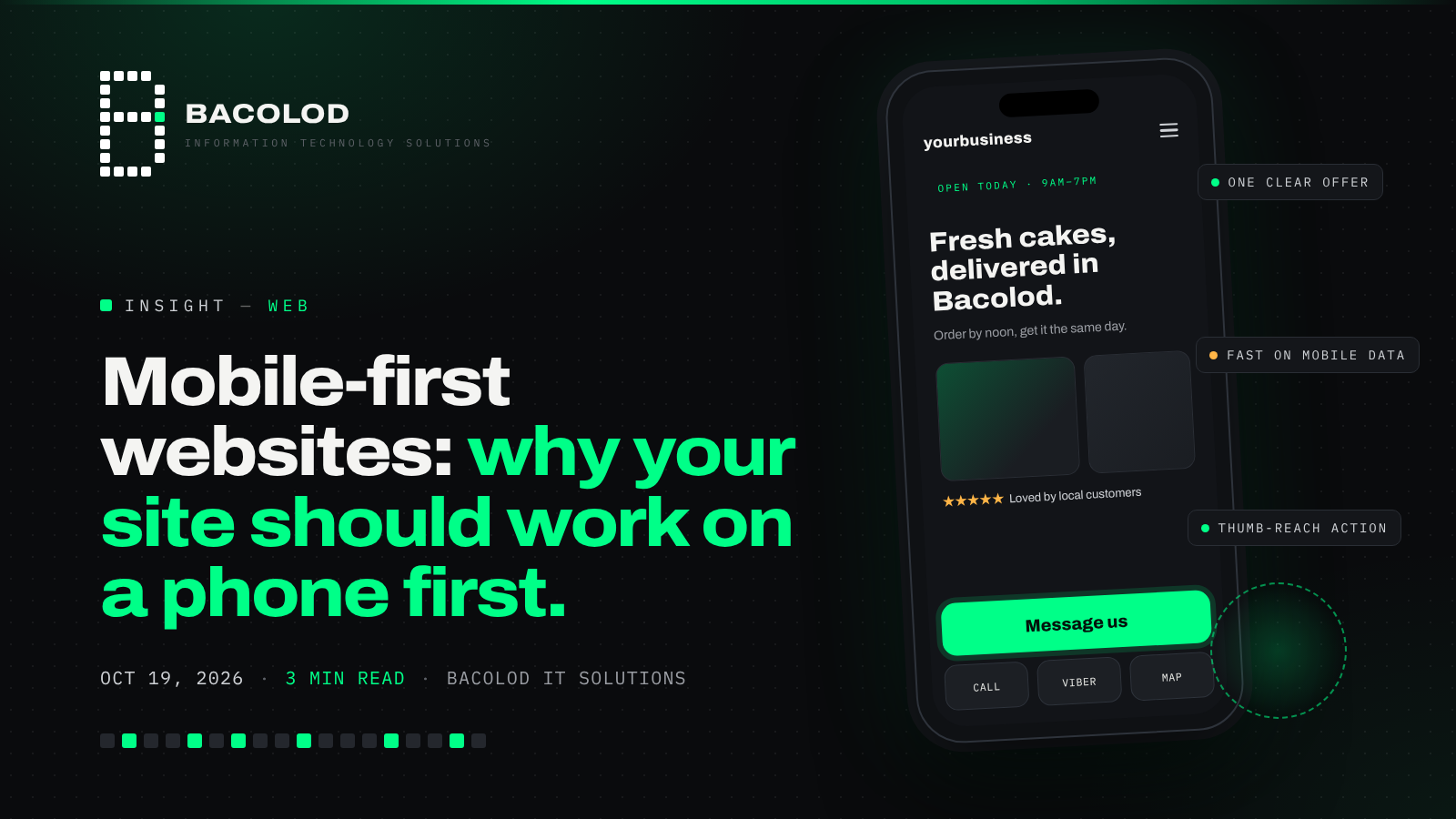
Your website supports your local visibility. Make sure your city or service area, address, and contact details appear clearly on the site, ideally on every page in the footer and on a dedicated contact page with a map. Create a separate page for each main service, written in plain language that matches how customers search, such as "aircon cleaning and repair in Bacolod" instead of only a brand slogan. Fast loading on mobile and a clear tap-to-call or message button matter too, because most local searches happen on phones.
Reviews and updates build trust
Reviews influence both how customers choose and how visible a business can be. Ask happy customers for honest reviews, for example with a short message or QR code after a completed job. Reply politely to every review, including the critical ones: a calm, helpful response shows future customers how you treat people. Never buy fake reviews or offer rewards for only positive ones, since that can break platform rules and damage trust. Posting occasional updates, new photos, or offers on your profile also signals that your business is active.
Be patient and keep it accurate
Local search isn't something you set once and forget. Results depend on several factors, including how relevant your business is to the search, how close it is to the person searching, and how well-known and trusted it appears online. Nobody can honestly guarantee the top spot. What you can control is having complete, accurate, and consistent information, a helpful website, and a steady flow of genuine reviews. Those basics tend to pay off over time.
The takeaway
Today, search for your own business on your phone, the way a new customer would. Check whether you appear, whether your hours, number, and location are correct, and whether the photos show your business at its best. Fix anything that's wrong, then ask your next few happy customers for a review. Small, honest updates like these make it much easier for nearby customers to find and choose you.
Got a task like this?
Tell us what's eating your team's time. We'll show you what handling it with software looks like.

Comments
Join the conversation — no account needed.