Every cutoff, the same scramble happens in many Philippine businesses. Someone collects time records from a logbook, a biometric export, and a few chat messages. Someone else computes hours, lates, and overtime in a spreadsheet. Then come deductions, payslips, and transfers, usually late at night before payday. It works until it doesn't: a wrong formula, a missed overtime approval, or an employee asking why their pay looks different. Payroll and timekeeping are some of the best places to start automating, as long as you automate the right parts first.
Where payroll time really goes
Before changing anything, map what happens each cutoff. For most small and medium businesses, the work looks like this:
- Collecting time-in and time-out records from different sources.
- Computing regular hours, lates, undertime, absences, and overtime.
- Applying leaves, holidays, and schedule changes.
- Computing deductions, government contributions, and adjustments.
- Preparing payslips and sending pay through the bank or e-wallets.
- Producing reports for the owner and the accountant.
The steps at the top feed everything below them. If time records are messy, every later step inherits the mess.
What to automate first
Start where errors begin, not where the work ends:
- Time capture: one clock-in method for everyone, such as a biometric device, a phone app, or QR codes at each branch, instead of logbooks and chat messages.
- Attendance summaries: automatic totals per cutoff, with lates, absences, and overtime flagged for review.
- Leave requests and approvals: filed and approved in one place, so payroll sees them without chasing anyone.
- Payroll computation: rates, schedules, and rules set up once, then applied the same way every cutoff.
- Payslips: generated and sent to each employee automatically.
The real gain comes when these pieces connect. When attendance flows straight into payroll, nobody has to retype hours from one file into another, and an approved overtime request shows up in the computation automatically. Even if you only automate one step at first, choose tools that can share data with the next step later, so you don't end up with several systems that don't talk to each other.
Fix how time is captured first. Clean attendance data makes every step after it easier.
What should stay human
Automation handles the repetitive math, but some decisions belong to a person:
- Approving overtime, schedule exceptions, and special adjustments.
- Reviewing the payroll summary before anything is released.
- Deciding on policy changes, and updating the rules in the system when they happen.
- Handling employee questions and disputes with care.
Set up the rules carefully
An automated payroll is only as good as the rules behind it. Write down your schedules, rates, overtime and holiday policies, and how deductions and government contributions should be handled. Have your accountant or payroll adviser confirm them, since labor and contribution rules can change and this guide isn't legal or tax advice.
Then run the new system side by side with your current process for one or two cutoffs. Compare the results line by line. Differences usually reveal a rule that wasn't written down, and it's far better to find that before switching over.
Protect payroll data
Payroll records hold some of the most sensitive information in your business: salaries, government ID numbers, and bank details. Limit access to the people who truly need it, use proper logins instead of shared spreadsheets, keep backups, and remember that data privacy rules apply to employee information too.
The takeaway
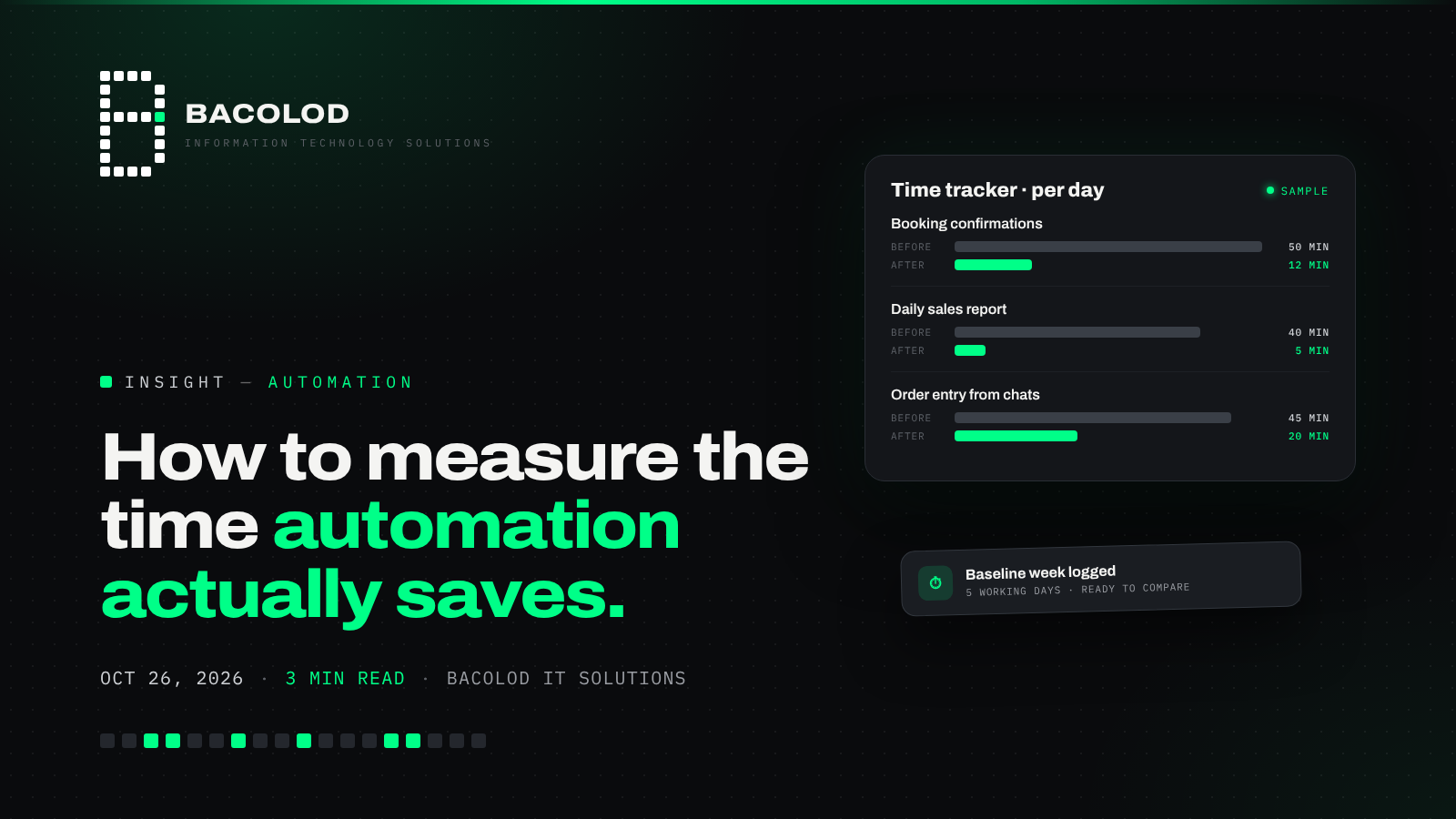
At your next cutoff, time how long each step takes, from collecting attendance to sending payslips. Pick the slowest or most error-prone step, which is usually time capture or attendance totals, and automate that first. Once it runs smoothly, move to the next step. Within a few cutoffs, payday stops being a late-night scramble and becomes a quick review.
Got a task like this?
Tell us what's eating your team's time. We'll show you what handling it with software looks like.
Comments
Join the conversation — no account needed.